Skip to content

Introduction
- Briefly introduce the topic and its relevance.
- Mention that this blog will provide an in-depth comparison between Windows 10 and Windows 11.
- State that the decision depends on various factors, and the goal is to help readers make an informed choice.
Section 1: Understanding Windows 10
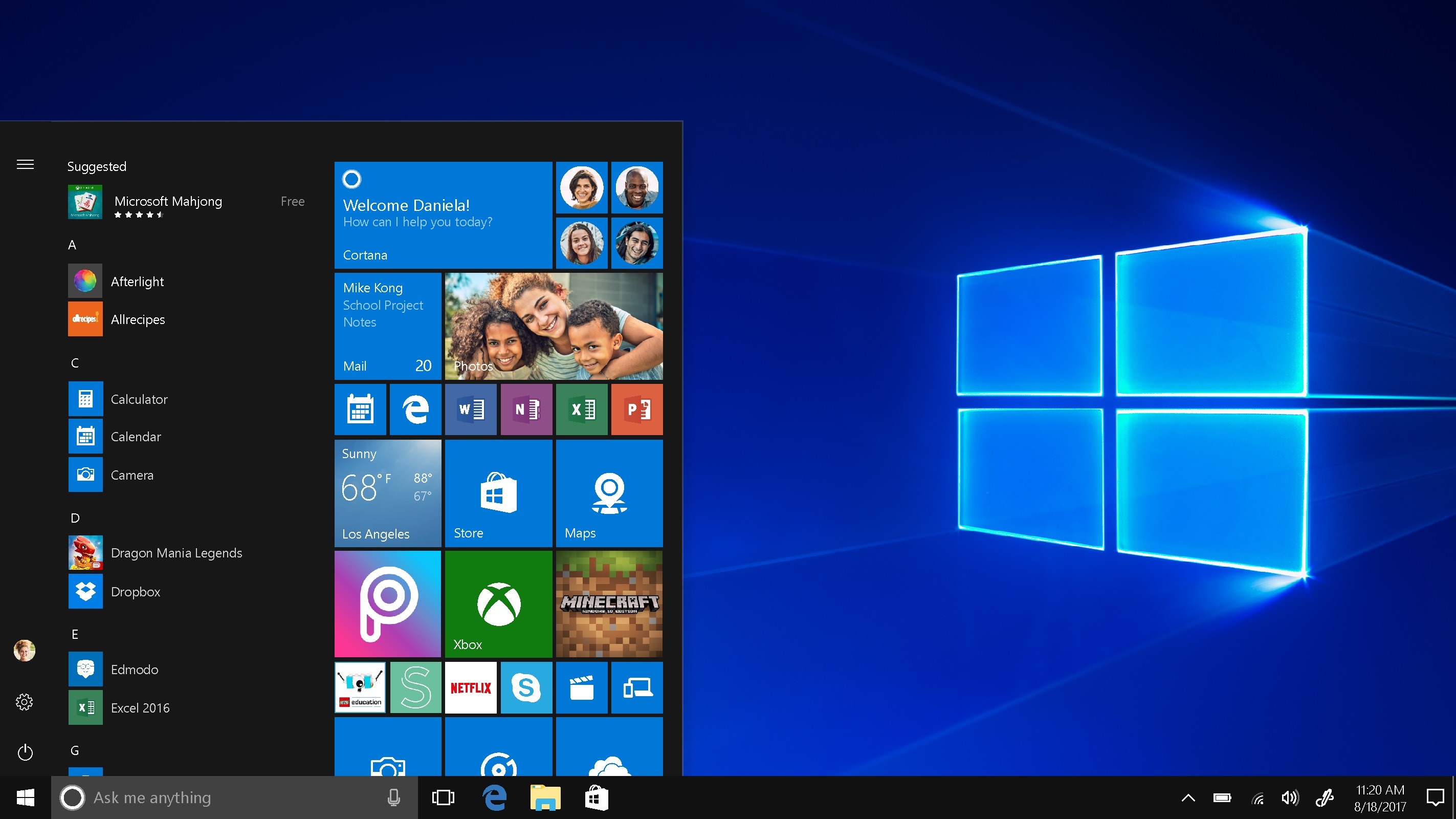
1.1. Overview of Windows 10
- Provide a detailed introduction to Windows 10, its release history, and its significance.
1.2. Features and Interface
- Describe the key features and user interface of Windows 10.
1.3. Hardware Compatibility
- Discuss the hardware requirements for Windows 10.
- Explain how well it runs on different types of devices.
1.4. Performance and Optimization
- Analyze the performance aspects of Windows 10.
- Highlight any optimizations or improvements in speed and efficiency.
1.5. App Compatibility
- Discuss the wide range of software applications that are compatible with Windows 10.
- Mention any challenges or issues related to app compatibility.
1.6. Updates and Support
- Explain the update and support lifecycle of Windows 10, including its end-of-support date.
Section 2: Introduction to Windows 11
2.1. Overview of Windows 11
- Provide a detailed introduction to Windows 11, its release history, and its goals.
2.2. Features and Interface
- Describe the key features and user interface changes in Windows 11.
2.3. Hardware Compatibility
- Discuss the specific hardware requirements for Windows 11.
- Explain any challenges or limitations related to upgrading older PCs.
2.4. Performance and Optimization
- Analyze the performance improvements and optimizations introduced in Windows 11.
- Compare it to Windows 10 in terms of speed and efficiency.
2.5. App Compatibility
- Discuss how well Windows 11 supports various software applications.
- Highlight any potential issues or advantages regarding app compatibility.
2.6. Updates and Support
- Explain the expected update and support timeline for Windows 11.
Section 3: Comparing Windows 10 and Windows 11
3.1. Hardware and Compatibility
- Compare the hardware requirements of both operating systems.
- Discuss which types of devices each OS is suitable for.
3.2. User Interface
- Compare the user interfaces of Windows 10 and Windows 11.
- Discuss the visual changes and their impact on user experience.
3.3. Performance and Efficiency
- Analyze the performance differences between Windows 10 and Windows 11.
- Consider factors like boot times, multitasking, and gaming performance.
3.4. App Compatibility
- Compare how well both operating systems support various software applications.
- Discuss any potential challenges users might face.
3.5. Updates and Support
- Contrast the update and support policies for Windows 10 and Windows 11.
- Explain how long each OS will be supported and updated.
Section 4: Making an Informed Choice
4.1. Consider Your Hardware
- Advise readers to assess their PC’s hardware to determine compatibility.
4.2. Prioritize Your Needs
- Encourage readers to think about their specific requirements, such as gaming, productivity, or creativity.
4.3. App Compatibility
- Highlight the importance of considering the software applications they rely on.
4.4. User Interface Preferences
- Suggest that personal preference for the interface should also be a factor in the decision.
4.5. Long-Term Planning
- Discuss the importance of planning for the future and how long they intend to keep their current PC.
Conclusion
- Summarize the key points of the comparison between Windows 10 and Windows 11.
- Emphasize that the choice ultimately depends on individual needs and circumstances.
- Encourage readers to make an informed decision based on their specific requirements.